Setting the preview background image
Last updated: April 28, 2026
The first thing you need to do when setting the preview is to choose the image you want to use as background. This is the picture where all the personalizable elements will be placed.
The background image can be a PNG or JPG file. It should not have any personalization on it since that is added dynamically with Customily
The background image can be a PNG or JPG file. It should not have any personalization on it since that is added dynamically with Customily
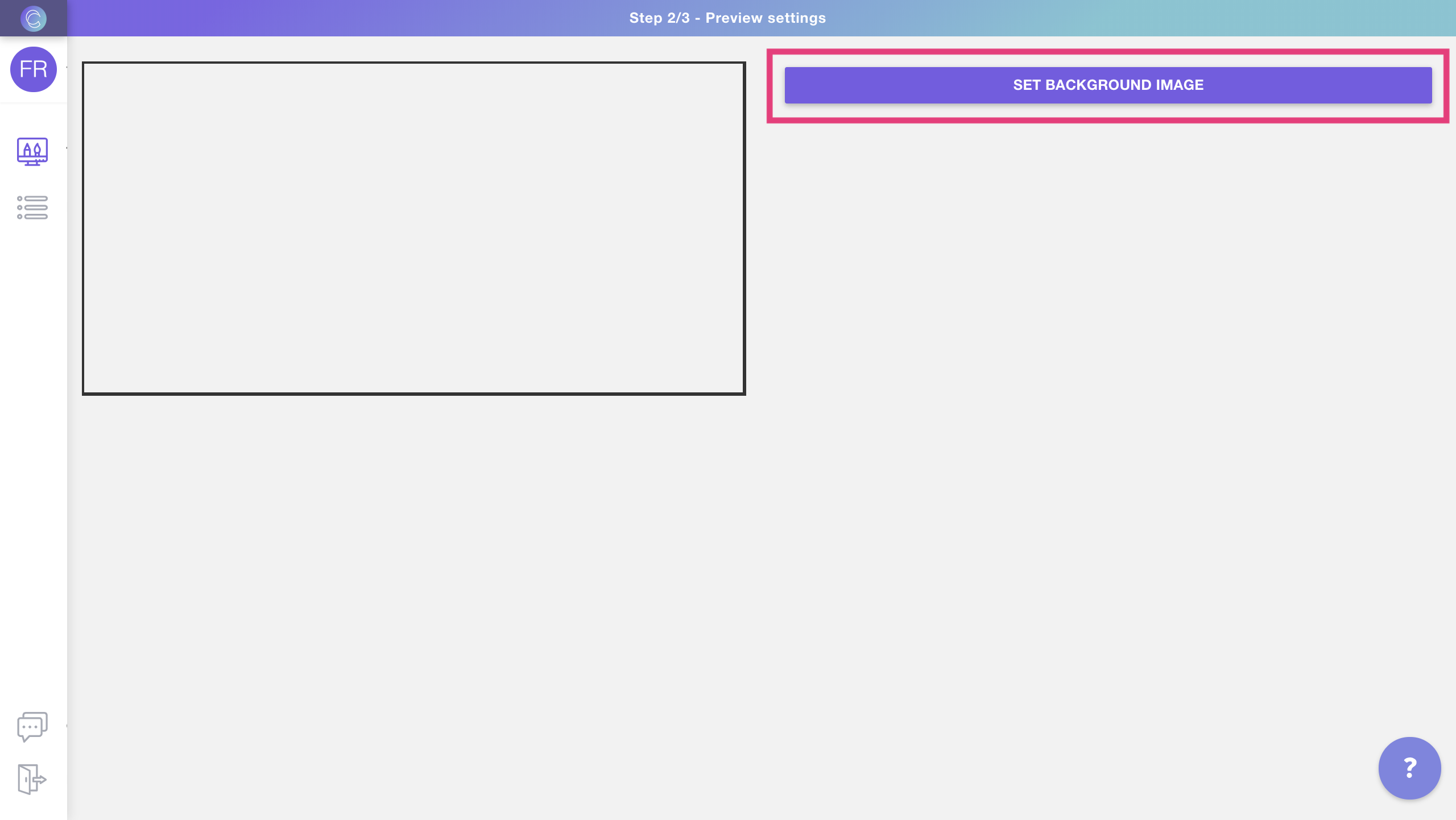
To set the background image
- Click set background image
- Browse and select the file you want to use as the background image. You can choose any JPG or PNG files.
What should I include on my background image?
Learn more about background images and how you should set them up here.