Connect your Etsy store with Customily
Last updated: October 21, 2026
How to link your Etsy store to Customily
Open your Customily Account
On the left menu, go to Home 🏠︎
If you have more than one store in your account, make sure you select your Etsy store in the dropdown
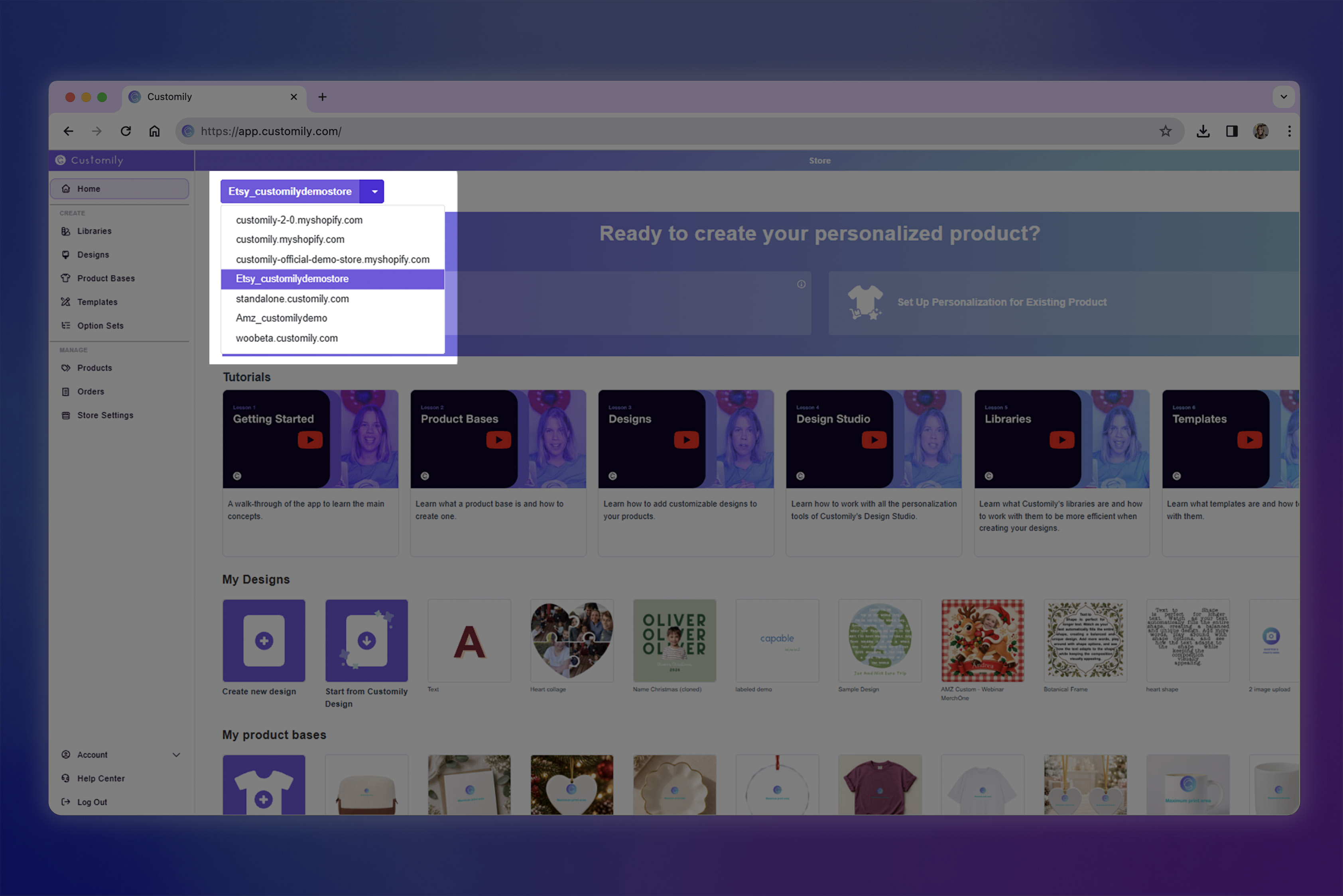
Click on Connect Customily on the Etsy store
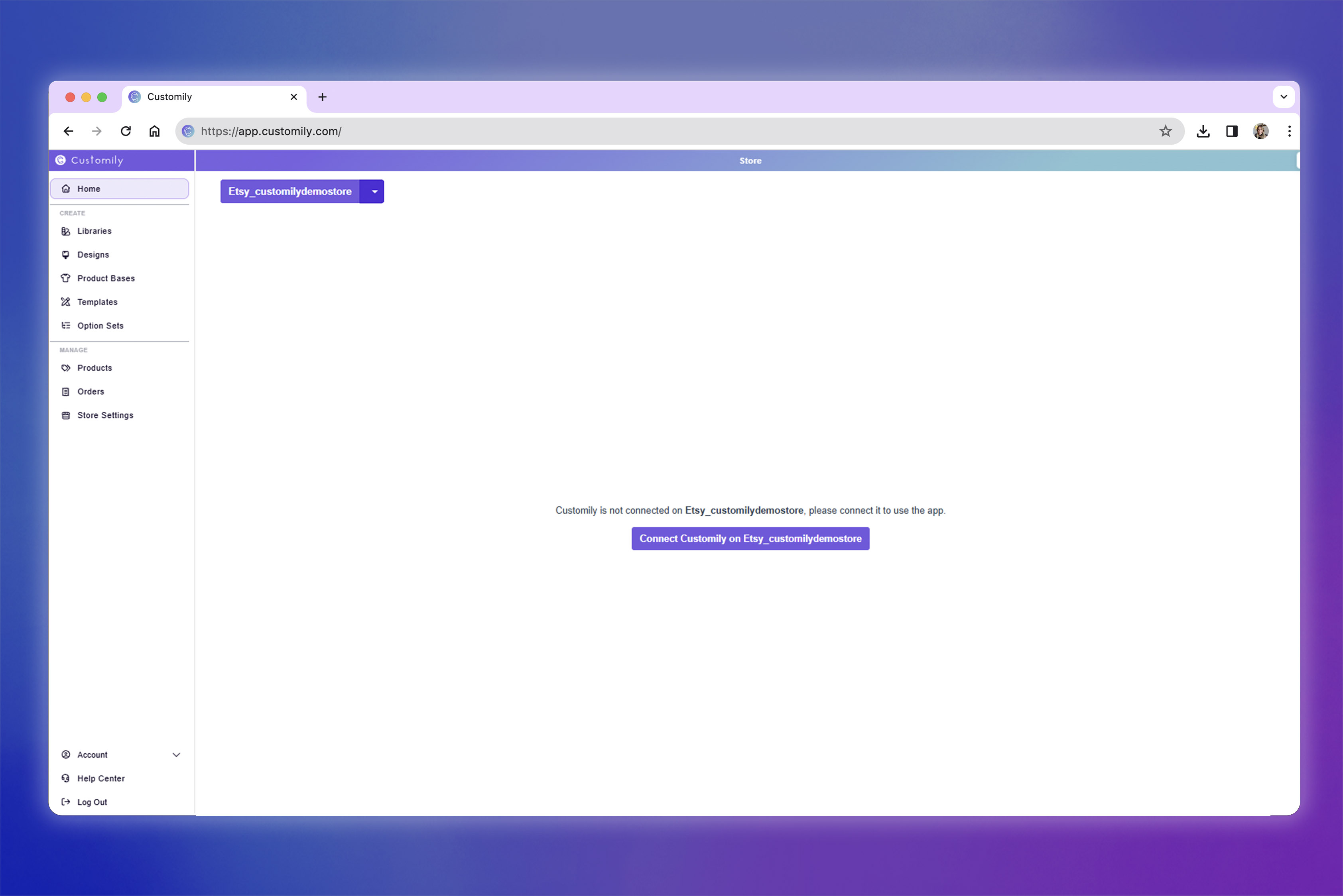
This will open a new tab with your Etsy account. If you are not logged in, you will be asked to log in to your Etsy account.
Once you are signed in, it will let you know that an application would like to connect to your account. Scroll to the bottom of the notice and allow access.
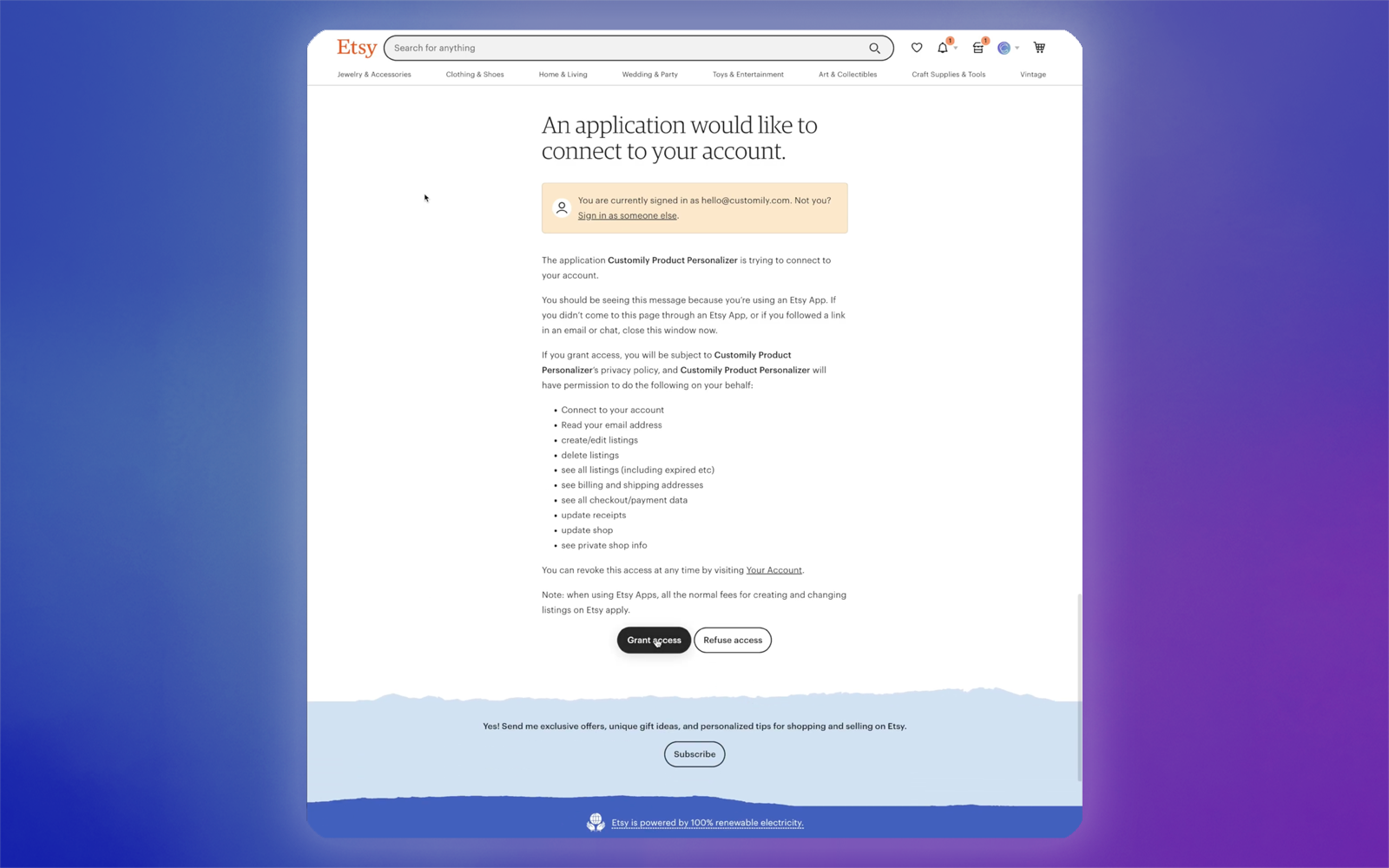
You'll be redirected to Customily, and the connection is complete! Now it's time to connect your Etsy products with your Customily templates and designs.
How to check if your Etsy store's connection was successful
Open the Store Settings tab
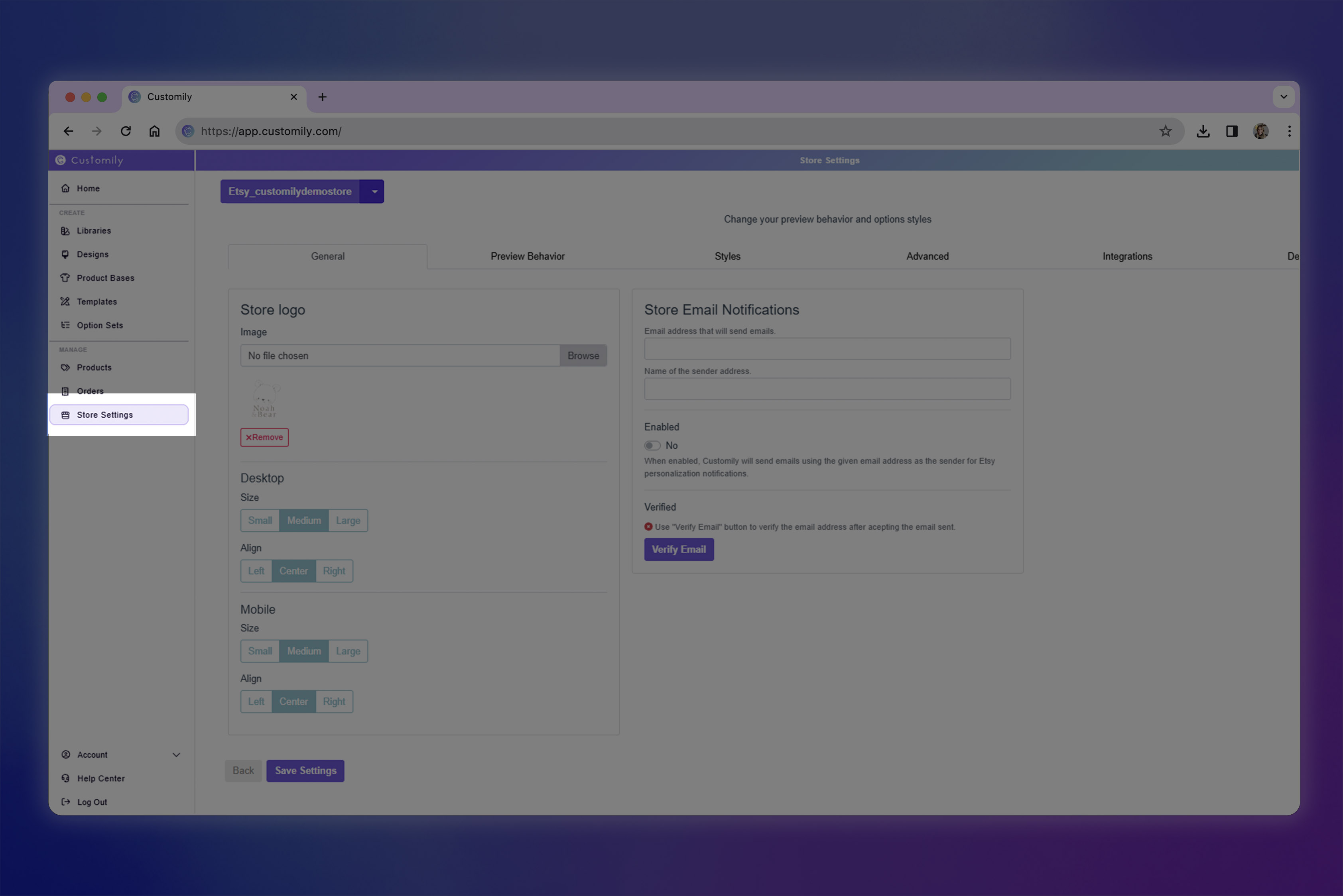
Go to Advanced settings
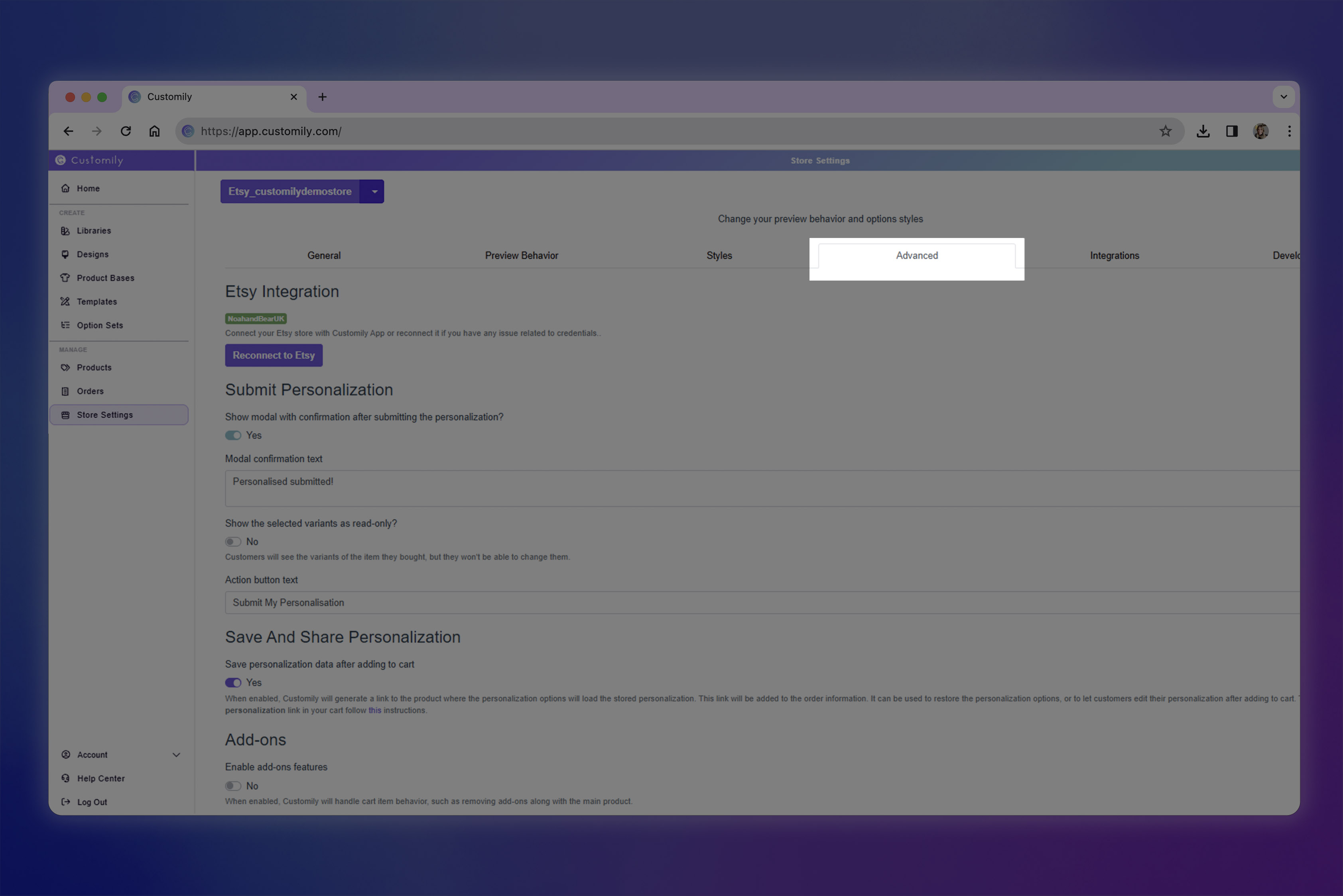
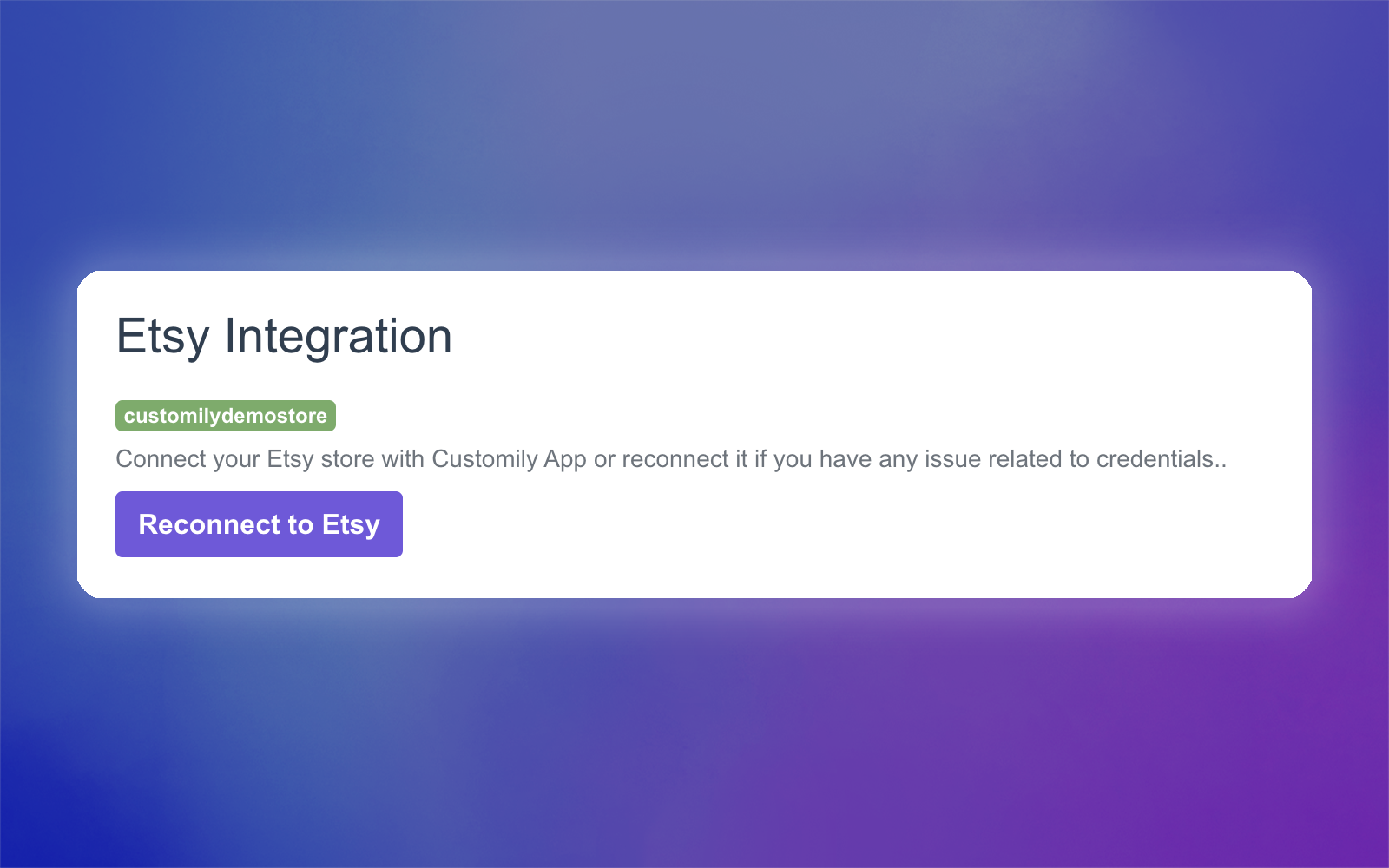
Confirm the store name is highlighted in green
Important
There are a few required Etsy settings you must configure for the integration to work correctly:
Make sure you create and assign a Shipping profile to your products.
Verify the processing time in the Shipping profile. Personalized products should be marked as Made to order, not Ready to ship.
If you are using a POD service with Customily’s automatic integration, add that provider as a Production Partner in Etsy.